
See more. Fix faster. Stay secure.

A new encryption status column added to Assets View provides at-a-glance insight into asset security and compliance
This encryption data is also available for saved views and dynamic tag rules, making it actionable across automation and policy workflows.
- Data protection and compliance –Endpoint encryption is often the line between a contained event and a reportable breach. Many compliance frameworks mandate encryption, so clear visibility into encryption status is essential.
- Faster troubleshooting –Encryption state can directly impact boot behaviour, OS updates, BIOS changes, and hardware replacements. Having this information immediately available upfront prevents wasted investigation cycles.
- Incident response –Answer questions like “Was this device encrypted?” immediately, without leaving the UEM platform.
- Policy enforcement – Information that can support audits by reliably reporting asset encryption status
Quick assets view refresh
We have introduced a subtle Assets View refresh button to reach out and grab an up-to-date picture of your managed estate.
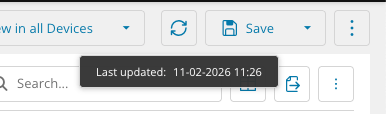
As operations scale, automated processes increasingly act on managed assets. To support this, asset data and header widgets can be refreshed independently, eliminating the need for full page reloads and pulling only the data required.
Future enhancements will introduce automatic refreshing of specific datapoints within the main Assets View data grid such as online/offline status.This reduces unnecessary refresh activity and keeps focus on the datapoints that directly impact investigations and platform performance.
You must be logged in to post a comment.